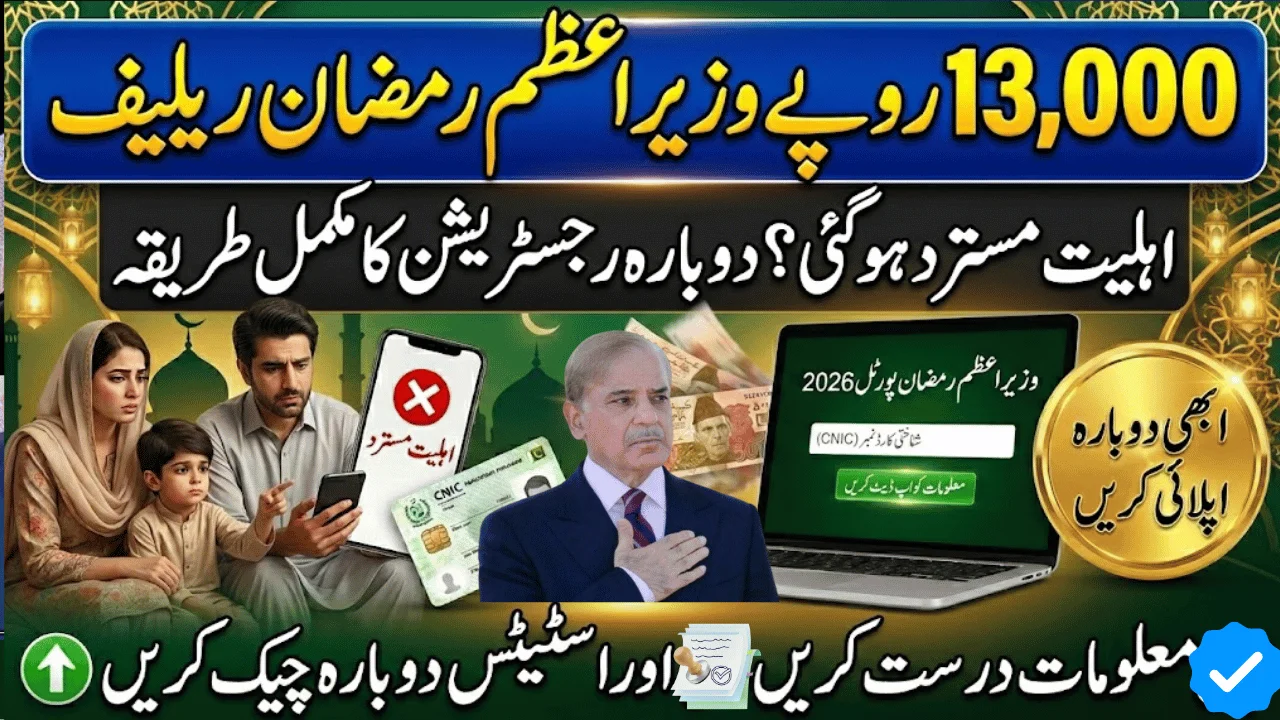
You applied for the PM Ramadan Relief Package Rs13000, but the system marked you “ineligible.”
It’s frustrating — especially when your household genuinely needs support during Ramadan.
The important thing to understand in 2026 is this: most rejections are not permanent. In many cases, applicants are marked ineligible due to outdated socio-economic records, SIM mismatches, incorrect income data, or automated screening issues.
This guide explains how ineligible applicants can update their information, request re-verification, and safely re-apply for the Prime Minister Ramadan Relief Scheme Rs13000.
Why Applicants Are Marked Ineligible
Before applying again, identify the likely reason for rejection. The 2026 verification system is stricter because it integrates multiple databases.
Common Reasons for Rejection
| Reason | What It Means |
|---|---|
| High PMT Score | Poverty score above allowed threshold |
| Income Recorded Too High | Income data not updated in registry |
| Government Employee in Household | Public sector employment detected |
| Property/Vehicle Linked to CNIC | Asset records exceed eligibility limits |
| CNIC Data Mismatch | Family record incomplete or outdated |
| Duplicate Household Application | More than one member applied |
Even a minor mismatch can cause automatic disqualification.
Understanding PMT Score in 2026
The Poverty Means Test (PMT) score is calculated using:
-
Household income
-
Family size
-
Employment type
-
Property ownership
-
Utility usage records
-
Survey responses in social registry
If your PMT score is above the eligibility cut-off (often around 30–35), the system may reject your application.
Important Insight
Many families were surveyed years ago. If your financial condition has changed, but your survey was never updated, your PMT score may still reflect outdated information.
Updating the survey can significantly improve eligibility chances.
Step-by-Step: How to Re-Apply for PM Ramadan Relief Package Rs13000
If you were declared ineligible, follow these official and safe methods.
9999 ویب پورٹل رجسٹریشن – رمضان پیکیج 2026
آپ کی رجسٹریشن ہورہی ہے۔ ابھی اپنا شناختی کارڈ 9999 پر بھیجیں
واٹس ایپ چینل جوائن کریںStep 1: Update Your Socio-Economic Data
Visit the official socio-economic registry portal (such as the provincial registry if applicable).
-
Log in using your CNIC
-
Review your recorded income
-
Correct employment details
-
Update family member information
-
Submit the updated survey
Once submitted, your profile will undergo re-verification through NADRA and related databases.
Step 2: Recheck Through SMS (8070 or Official Code)
After updating your data:
-
Open your SMS app
-
Type your 13-digit CNIC (no dashes)
-
Send to the official shortcode (e.g., 8070 if active)
-
Wait 48–72 hours for processing
Do not send repeated SMS messages within short intervals, as this can delay system processing.
Step 3: File an Official Complaint (If Necessary)
If you believe your rejection is due to a system mistake:
-
Use the official complaint portal
-
Provide CNIC and registered mobile number
-
Clearly explain your issue
-
Contact the official helpline if needed
Only rely on government-authorized channels.
Eligibility Checklist Before Re-Applying
Before attempting re-registration, confirm the following:
| Requirement | Recommended Status |
|---|---|
| Monthly Income | Below Rs 60,000 (if applicable) |
| PMT Score | Below eligibility threshold |
| Assets | No luxury vehicle or large property |
| Employment | No high-grade government job |
| CNIC | Valid and NADRA verified |
| SIM | Registered in your name |
Ensuring these conditions are met reduces rejection risk.
Real-Life Example
A daily wage worker in Rawalpindi was declared ineligible due to “high income.” Upon checking, he discovered that his income record was mistakenly entered during a previous survey. After updating the registry data and re-verifying via SMS, his application was approved in the next review cycle.
The lesson: always verify your recorded data before assuming rejection is final.
Common Mistakes That Cause Repeat Rejection
Avoid these errors:
-
Entering incorrect income details
-
Applying from multiple family members
-
Using someone else’s SIM
-
Providing false information
-
Ignoring outdated family registry data
Digital systems in 2026 cross-check data automatically.
How Long Does Re-Verification Take?
After updating information:
-
Initial verification: 2–5 days
-
High-volume period: Up to 7–10 days
-
SMS confirmation: Sent after approval
Patience is important, especially close to Ramadan.
Pros and Cons of the 2026 Digital Screening System
Pros
✔ Transparent verification
✔ Reduced fraud
✔ Faster approval cycles
✔ Database-based fairness
Cons
✖ Strict automated filtering
✖ Delays during peak registration
✖ Limited manual override options
✖ Requires accurate digital records
Important Safety Reminder
The PM Ramadan Relief Package Rs13000 registration is completely free.
Avoid:
-
Paying agents
-
Sharing OTP codes
-
Sending CNIC to unofficial numbers
-
Clicking unknown social media links
Government programs do not charge registration fees.
Frequently Asked Questions
Can I apply again after being rejected?
Yes. After correcting your records, you can request re-verification.
Will updating my survey guarantee approval?
No. Approval depends on eligibility criteria and database screening.
Can government employees receive Rs13000 relief?
Generally, high-grade government employees are not eligible.
Is the SMS service free?
Standard SMS charges may apply depending on your mobile network.
Where can I get in-person help?
Visit your nearest Union Council or designated registration center.
Final Takeaway
If you were marked ineligible for the PM Ramadan Relief Package Rs13000, don’t lose hope. In many cases, rejection is linked to outdated or mismatched data — not permanent disqualification.
Before re-applying:
-
Update your socio-economic survey
-
Verify CNIC validity
-
Ensure SIM registration matches your ID
-
Avoid duplicate applications
In 2026, accurate digital records are the key to successful approval.